So you’ve got your MeshCore mesh network humming along nicely. Nodes are relaying messages. Data is flowing. Life is good. Now you want to take the next step: pipe that mesh data into your home automation system or a database where you can actually do something with it.
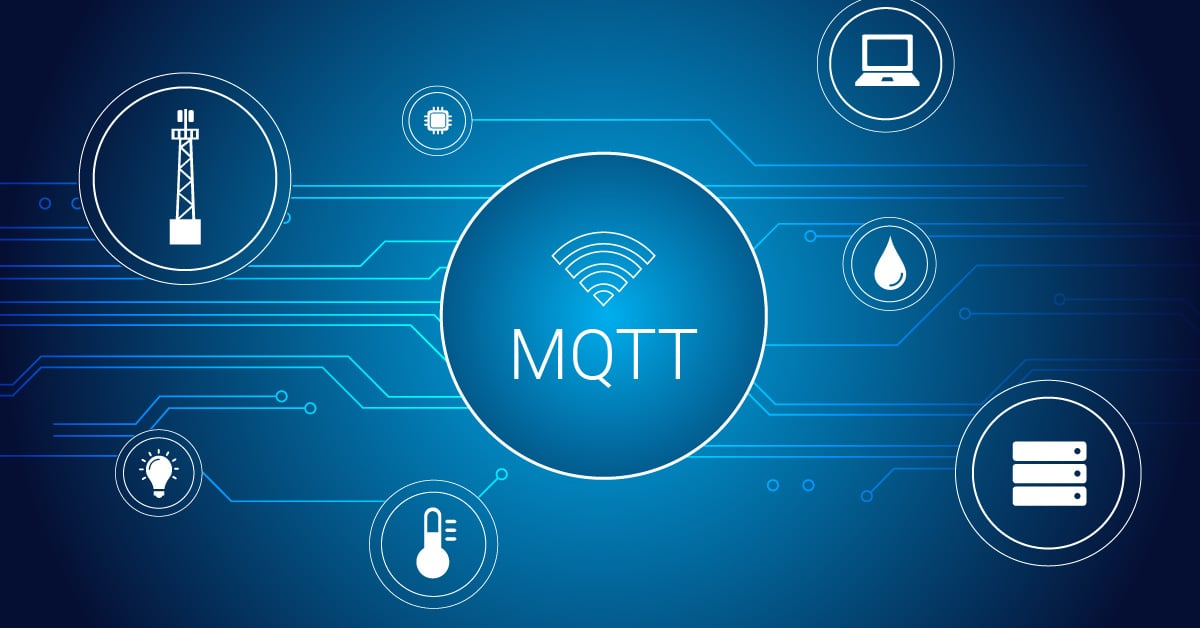
This is where an MQTT bridge comes in handy. MQTT (Message Queuing Telemetry Transport) is a lightweight publish-subscribe protocol perfect for IoT systems. It lets your mesh network talk to Home Assistant, Grafana, or any other system that speaks MQTT.
What You’ll Need
- One LoRa Node board (Heltec V4, RAK Wisblock, or similar)
- One Raspberry Pi 2W or equivalent
- A micro SD card (32GB or larger)
- A USB cable for connectivity
- Network connectivity (WiFi or Ethernet)
- An MQTT broker (Mosquitto is free and lightweight)
How It Works
Your MeshCore node communicates with your Raspberry Pi via USB serial. The Pi runs a script that:
- Listens to messages from the mesh node
- Parses the data
- Publishes formatted MQTT messages
- Lets other systems subscribe to those messages
Your Home Assistant instance (or whatever system you’re using) subscribes to those MQTT topics and takes action based on the data.
Basic Architecture
MeshCore Node (USB) → Raspberry Pi (MQTT Broker) → Home Assistant
                                                   → Grafana Dashboard
                                                   → Database Logger
Each arrow represents data flowing through your system. The Raspberry Pi acts as the translator between mesh protocol and MQTT protocol.
Implementation Considerations
Serial Connection Reliability: USB connections can occasionally drop. Your bridge script should handle reconnection gracefully—detect when the connection is lost and re-establish it automatically.
Message Parsing: MeshCore message formats vary depending on the payload type. Your bridge needs to understand what data structure it’s receiving and parse accordingly.
MQTT Topic Organization: Design your topic hierarchy thoughtfully. Something like meshcore/nodes/{nodeID}/position or meshcore/repeaters/{repeaterID}/status makes downstream consumption easier.
Error Handling: What happens when a message can’t be parsed? Does the bridge crash or log the error and continue? Build in appropriate error handling.
Real-World Example
A common use case: you want to monitor your MeshCore repeater’s status and get a Home Assistant notification if it goes offline.
Your bridge publishes meshcore/repeater/w6sal/lastseen with a timestamp. Home Assistant subscribes to that topic and checks the timestamp. If it hasn’t been updated in N minutes, it’s offline and triggers an alert.
This gives you automatic monitoring of infrastructure health without manually checking the mesh.
The Value Proposition
Your mesh network becomes a data source for your broader automation ecosystem. Environmental sensors on mesh nodes can feed data into your home automation. Signal strength monitoring can trigger repeater performance alerts. Message throughput can be graphed and analyzed.
This is why bridges matter—they connect isolated mesh networks into the broader IoT infrastructure ecosystem.
73